

You're viewing documentation for Draftbit Classic (v1), our previous
platform. See the current Draftbit docs.
Environments
Switch between environment values when building, previewing, and publishing
Environment Values
Section titled “Environment Values”In some places where values are set in Draftbit, like a REST API Service’s base URL or App and Device Variables, you can specify different values for Development (Dev) and Production (Prod) Environments.
| Type | Description |
|---|---|
| Development Values | Development values are used when no Production value is set and when you have selected Dev as the publishing or previewing environment. |
| Production Values | Production values will be used when publishing and previewing in the Prod environment. If unset the Development value will be used. |
Previewing Environment
Section titled “Previewing Environment”When previewing your app in Web, iOS, and Android, you can choose which environment values to use. You can select the preview environment using the environment selector in the top bar of the Builder.
Publishing Environment
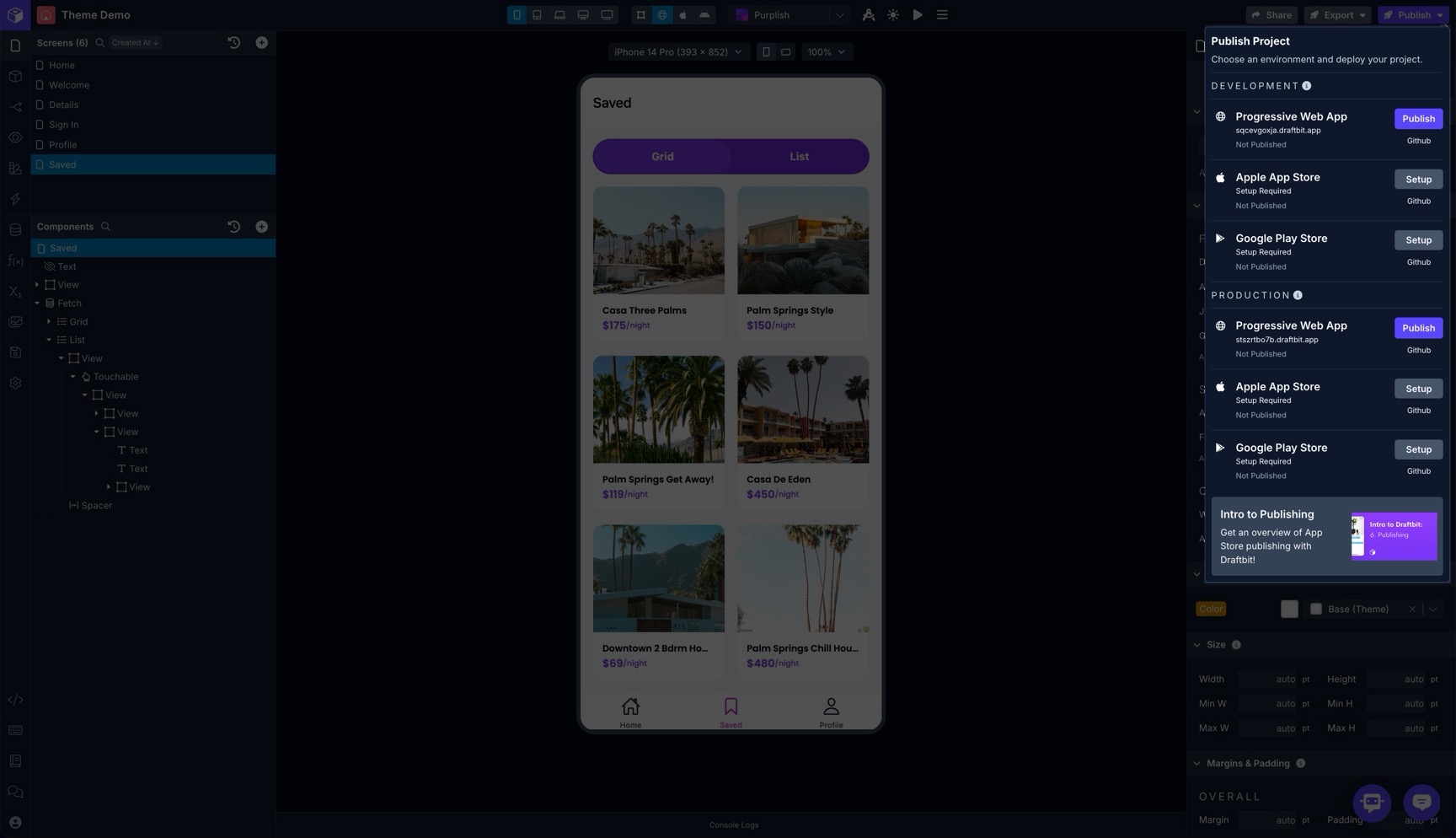
Section titled “Publishing Environment”When publishing your app to Web, iOS, or Android, you can choose which environment values to use. You can select the publishing environment using the environment selector from the Publish menu in the top bar of the Builder.