

You're viewing documentation for Draftbit Classic (v1), our previous
platform. See the current Draftbit docs.
Dynamic Styling
All of the style props on our components can be set dynamically by clicking on the prop label. In the tooltip, there’s a section where you can select a variable or available fetch data. You can even apply a Transform Function!
The ‘database’ icon next to the label indicates that the value is being set dynamically. If the data evaluates to undefined, the static value you’ve configured will be used instead (inline or Stylesheet).
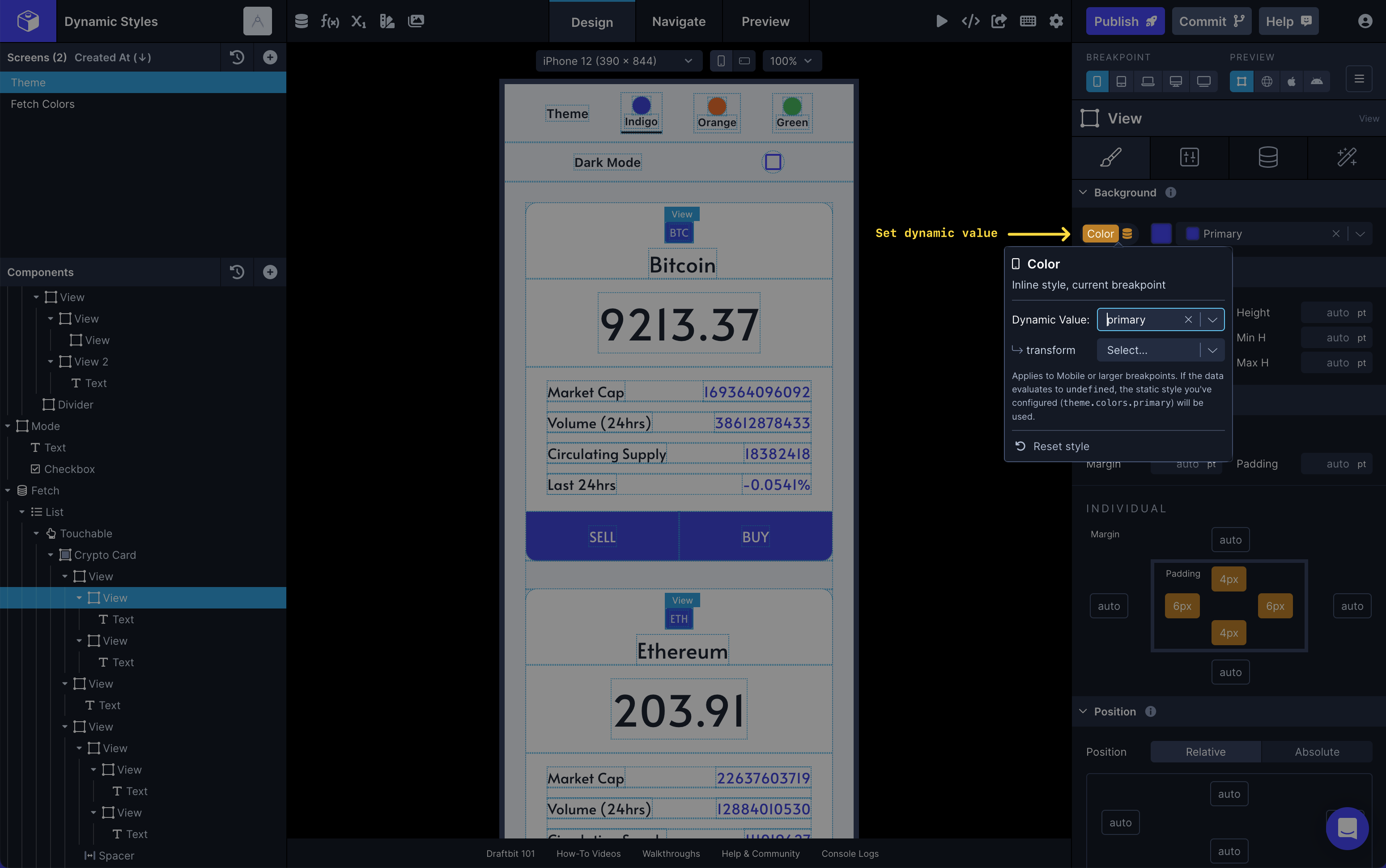
In the example above, we’re passing Device Variables set to strings of different Hex color values into various color props on some of the components.